Headers shift across screens
X/Twitter headers are wide images that can be framed differently on desktop and mobile. The profile area can also compete with important content.
Upload guidance
Check X/Twitter header crop risk, profile overlap, and mobile framing before updating your profile.
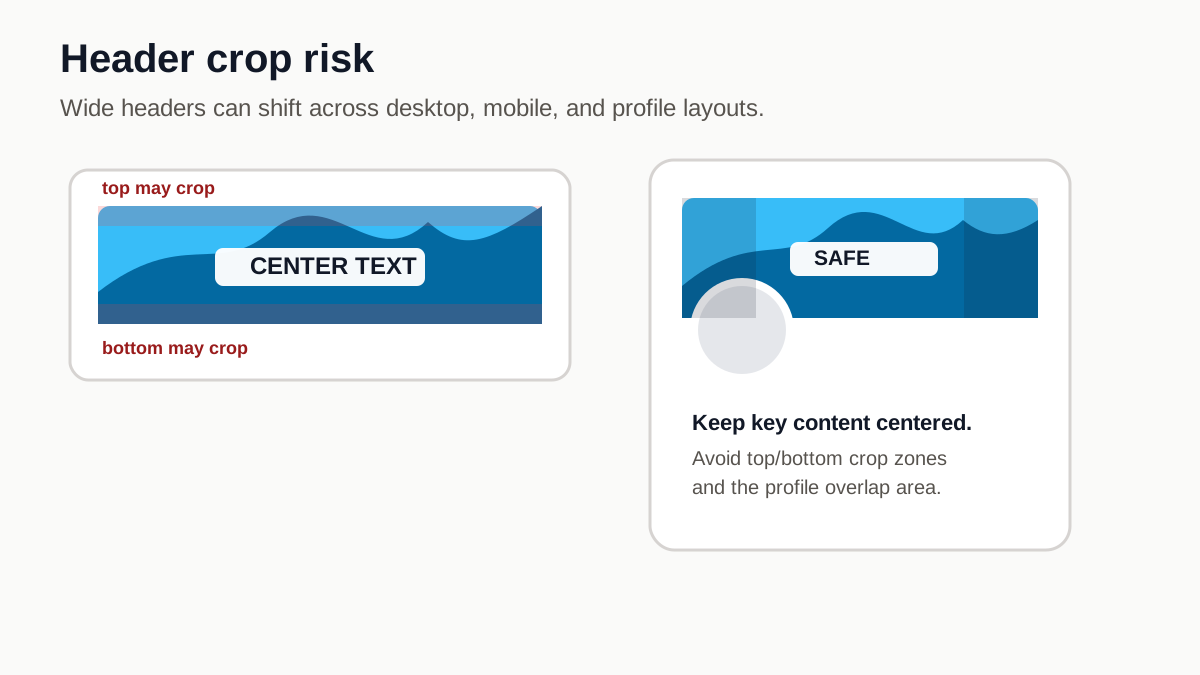
X/Twitter headers are wide images that can be framed differently on desktop and mobile. The profile area can also compete with important content.
Keep logos and text away from the top and bottom edges. X notes that some displays may crop about 60 pixels from both, while the profile area can compete with lower-left content.
ImageCompat shows the header frame, safe area, and crop risk so you can avoid a header that looks cut off after upload.