Cover photos are responsive
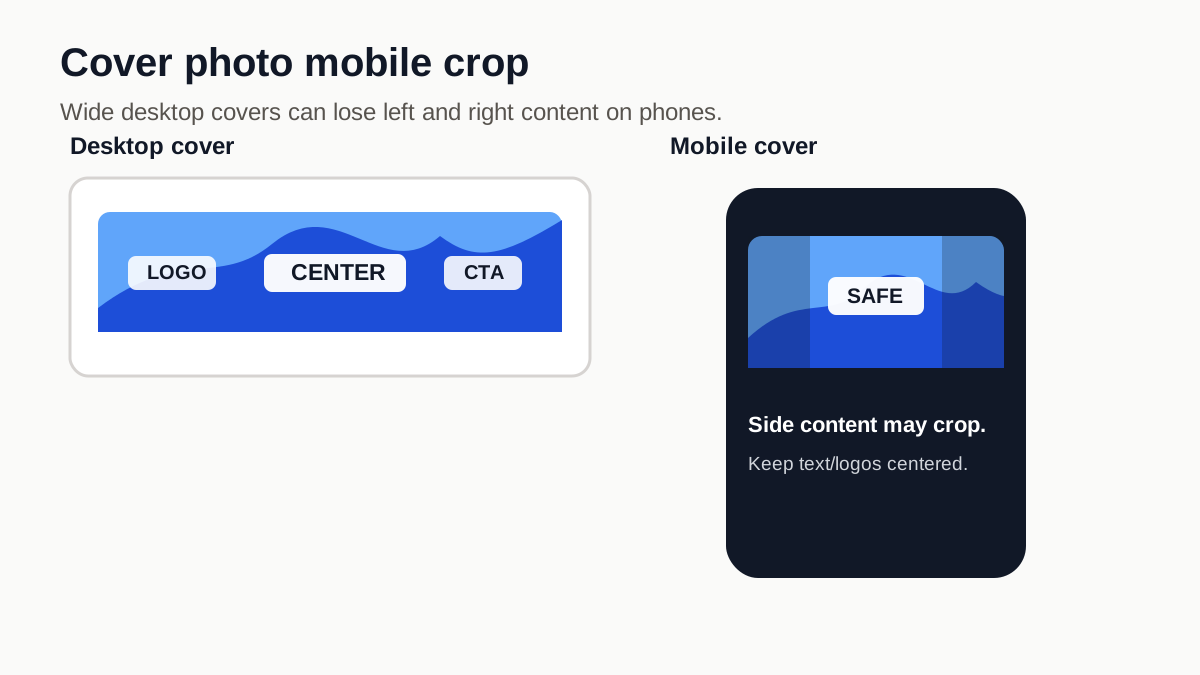
Facebook cover photos can show differently on desktop and mobile. A wide desktop cover may lose side content when viewed on a narrow phone screen.
Upload guidance
Understand Facebook cover photo mobile crop risk and where to keep important text or logos.
Facebook cover photos can show differently on desktop and mobile. A wide desktop cover may lose side content when viewed on a narrow phone screen.
Keep names, logos, and calls to action away from the far left and right edges. Use the edges for background or supporting detail instead.
Before uploading, check whether the image has enough resolution and whether the key content stays readable inside a center-safe area.